
Recharge Problems
If a recharge is delayed or does not appear as expected, check the transaction status and the payment instructions provided by the platform.
Learn how to approach account access, registration, recovery and common sign-in problems while avoiding unverified links and unsafe requests for credentials.
If you need the mobile version of the platform, visit our dedicated TC Lottery app guide.
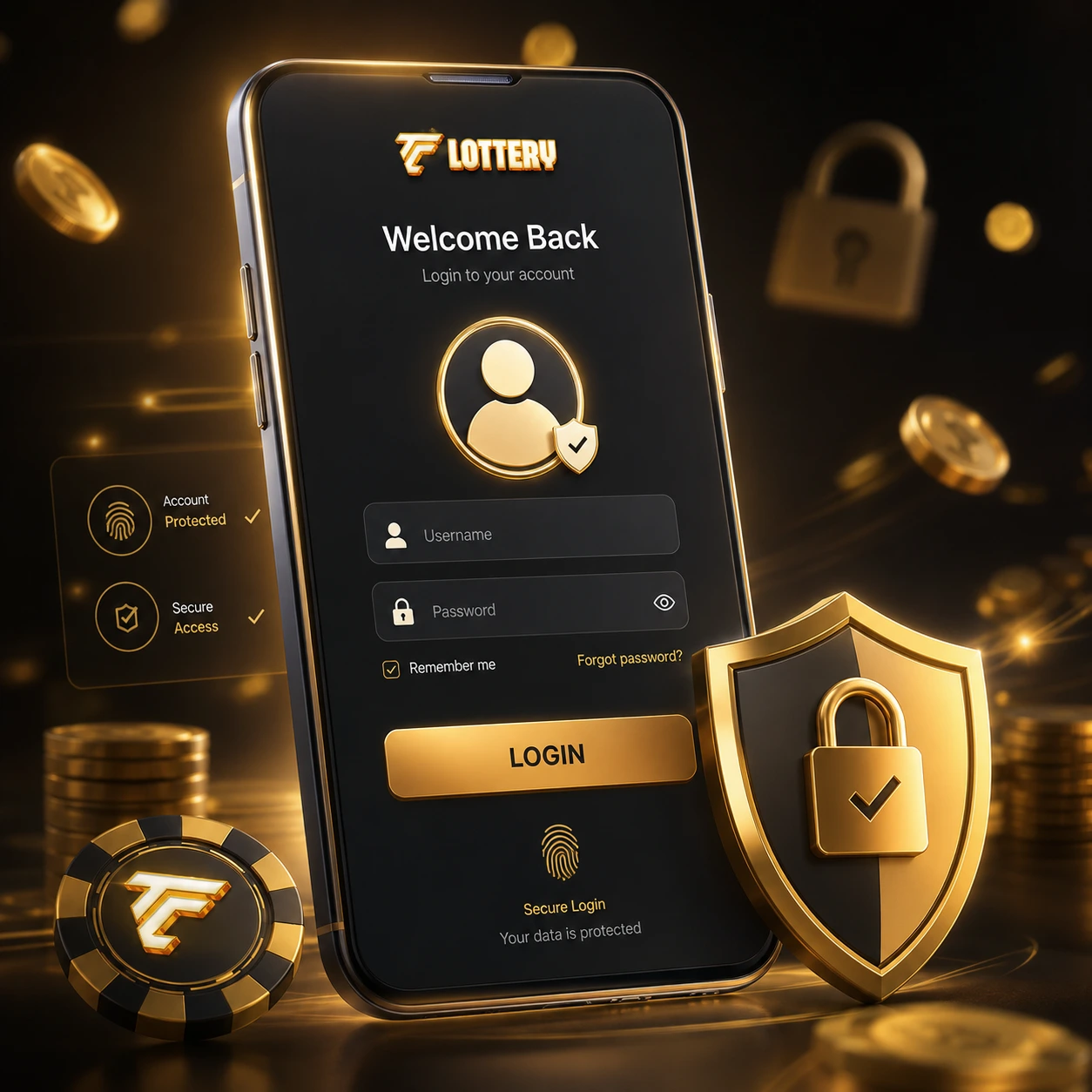
Account access should begin by confirming that the page or application belongs to the service you intended to use.
Registration should be completed only through the platform or application you have independently verified. Review the information being requested before submitting personal details.
A referral link or invitation code does not by itself establish that the person sharing it represents the platform.
If the login page does not accept your credentials, first check that you are using the intended website or application and that the account information has been entered correctly.
If access still fails, use the recovery process provided by the platform. Avoid downloading unknown utilities, modified APK files or so-called login fixes.
Requests to install remote-access software or give another person control of your device should be treated with caution.
Recovery procedures may involve account information, verification steps or other security checks defined by the platform.
Verification codes should only be entered into the legitimate recovery flow. They should never be sent directly to another person through messaging apps or social media.
If a recharge is delayed or does not appear as expected, check the transaction status and the payment instructions provided by the platform.
Before making another payment, confirm that the previous transaction was not already completed or still processing.
Gift-code offers can circulate through messaging groups, social posts and third-party pages. Verify the source before following instructions or entering account information.
Be especially careful with generators, unlimited recharge claims, modified applications or offers that require passwords or one-time verification codes.
If you need customer service, use contact information provided through the verified website or application whenever possible.
Phone numbers and messaging accounts published on unrelated websites or social profiles may not belong to the platform.
Legitimate support should not need your password or one-time verification code in order to investigate a normal account issue.
Warning signs can include requests for payment through undocumented channels, demands for passwords or OTPs, promises of guaranteed balance increases and instructions to install unknown software.
If a transaction or account interaction appears unusual, keep screenshots and transaction records and verify the support channel independently.
Always check the domain or application before entering account credentials. A familiar logo or page design does not prove that the destination is authentic.
Avoid reusing passwords from email, banking or other important accounts.
For Android downloads, APK installation, older versions and mobile-app safety, visit the dedicated app guide.
Use the website or application associated with the service you intend to access and verify the destination before entering credentials.
Use the registration flow provided through the verified platform or application and review the information requested before submitting it.
Confirm that you are using the intended destination and then use the documented account-recovery process.
Check the transaction status, keep the payment receipt or reference and use the support options provided by the verified service.
Do not assume that a generator or unlimited recharge tool is safe. Such offers can be used to collect credentials or distribute unwanted software.
Visit our TC Lottery app guide.